

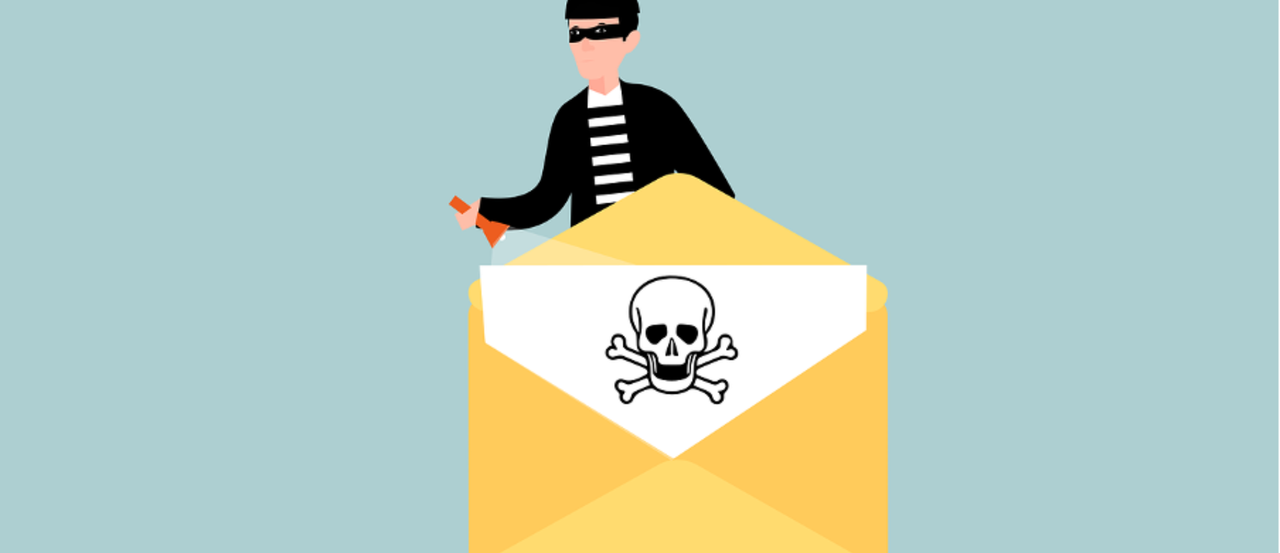
Email is a super important way to stay connected—whether for work or just chatting with friends. But it’s also a favorite target for cybercriminals. With attacks getting smarter every day, it’s more important than ever to boost your email security. Let’s dive into some easy steps you can take to keep your inbox safe!
1. Use Strong, Unique Passwords
Your password is like the first line of defense for your email. A weak password? That’s like leaving the door wide open for cybercriminals! To keep your email safe, opt for strong, unique passwords that are tough to guess.
Create Complex Passwords
Aim for a mix of:
- Uppercase and lowercase letters
- Numbers
- Special characters
Steer clear of common words and personal info like your name or birthday. The harder your password is to guess, the safer your email will be!
Use a Password Manager
Struggling to remember all those complex passwords? No worries! A password manager can help you create and store unique passwords for all your accounts. You’ll only need to remember one master password, making life a lot easier!
Avoid Reusing Passwords
Using the same password for multiple accounts can be risky. If one gets hacked, all your accounts could be at risk. So, make sure each email account has its own unique password!
2. Enable Two-Factor Authentication (2FA)
Two-factor authentication (2FA) adds an extra layer of protection to your email. Even if someone somehow gets your password, they’ll need a second verification step to access your account.
Choose a 2FA Method
You can pick from several 2FA methods like:
- SMS codes sent to your phone
- Authenticator apps that generate codes
- Physical hardware tokens
Find the one that works best for you!
Set Up 2FA for All Accounts
Most email providers offer 2FA, and setting it up is usually a breeze. Trust us, it’s a simple step that can really boost your email security!
3. Be Cautious with Email Attachments and Links
Attachments and links can be sneaky ways for malware and phishing attacks to get into your system. Always stay alert!
Verify the Sender
Before clicking on a link or opening an attachment, double-check who sent it. If it’s from someone you know but looks odd, reach out to them through a different way to confirm they really sent it.
Scan Attachments
Always use antivirus software to scan attachments before opening them. Many email providers have built-in scanning features too, but having your own antivirus adds an extra layer of protection.
Avoid Clicking on Suspicious Links
If a link looks fishy or too good to be true, don’t click it! Hover over the link to check the URL first, and if it seems off, navigate to the site directly in your browser instead.
4. Keep Your Email Software Updated
Software updates often fix security vulnerabilities. By keeping your email software up to date, you’re ensuring you have the latest defenses against threats.
Enable Automatic Updates
Most email clients offer automatic updates. Turning this feature on means your software stays up to date without you needing to lift a finger!
Regularly Check for Updates
Even with automatic updates, it’s good to do a manual check every now and then to make sure everything is running smoothly.
5. Use Encryption for Sensitive Emails
Encryption is like a secret code for your emails, making them readable only by the person you intend to receive them. If you need to send sensitive information, using encryption keeps it safe.
Encrypt Emails Containing Sensitive Information
If you’re sending anything private, be sure to use encryption. Many email providers offer this option, or you can explore third-party tools for added security.
Educate Recipients
If you’re sending encrypted emails, make sure your recipients know how to decrypt them. A little guidance goes a long way!
6. Watch Your Email Activity
Keeping an eye on your email activity can help you spot anything unusual early on.
Set Up Activity Alerts
Many email services provide alerts for unusual login attempts or changes to your account. Enable these alerts to stay in the loop about your account's security.
Regularly Review Account Activity
Take some time to look at your email account activity regularly. If you notice anything unfamiliar, change your password right away and investigate!
Respond Quickly to Suspicious Activity
If you spot anything odd, act fast! Change your passwords, review your security settings, and consider adding more security measures.
Get Expert Email Security Solutions
Protecting your personal and professional information is essential. If you’re looking for expert email security solutions, we’re here to help! Reach out to us today, and let’s chat about keeping your inbox secure.


